Looking for an easy way to link your listing on The Kitchen Door to your kitchen website? Here’s a step-by-step guide for how to turn your TKD listing page into a QR code for seamless user navigation and lead generation!
Step 1
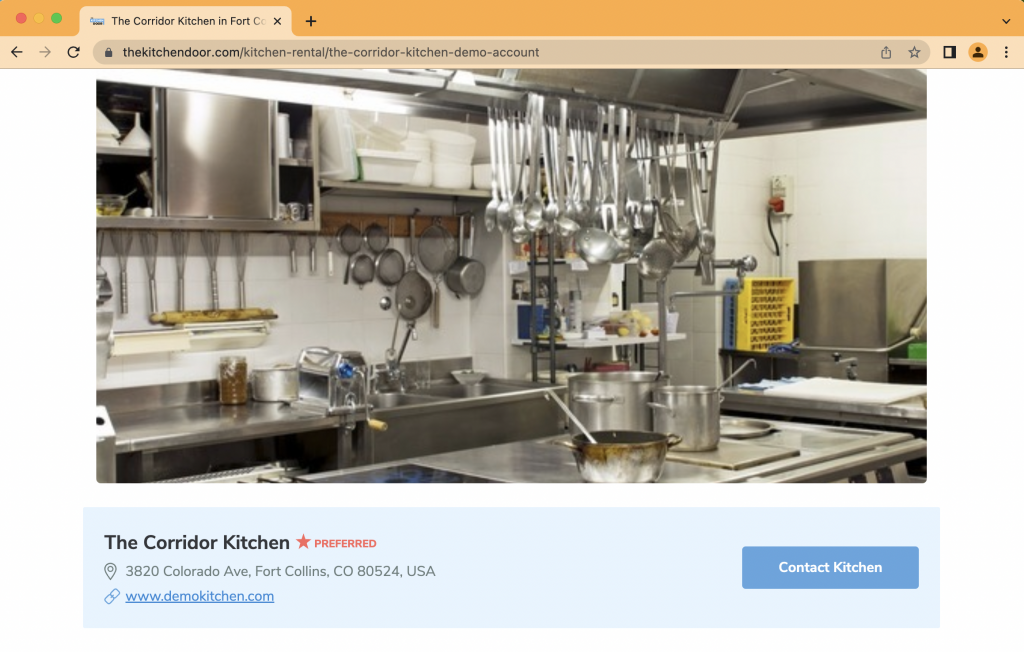
Open your listing on The Kitchen Door in a new browser. If you don’t have a listing created yet, create your listing.
Step 2
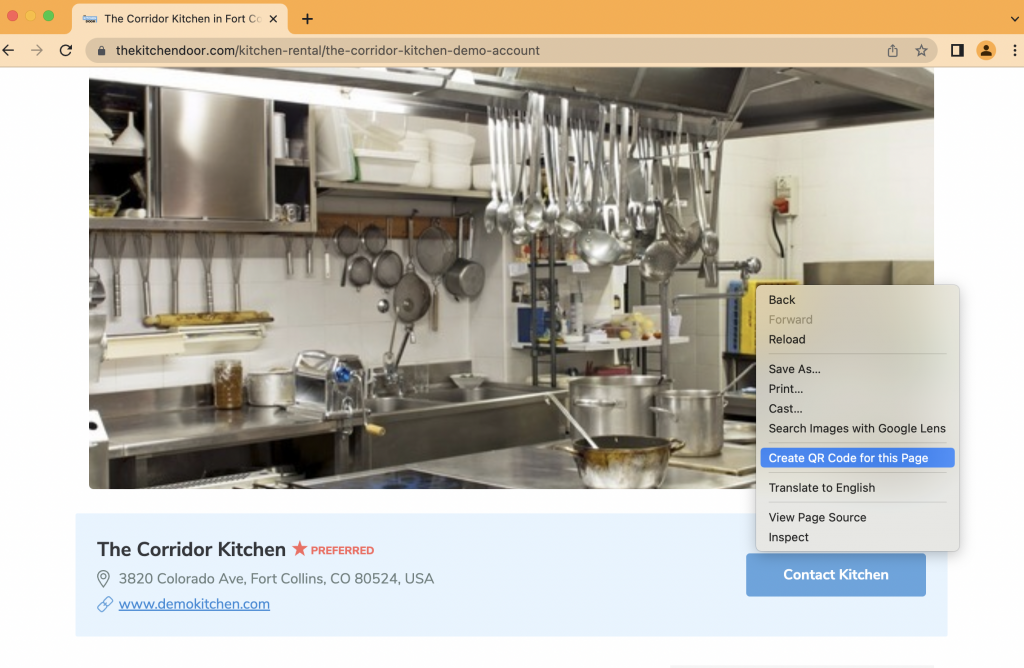
Right-click anywhere on the page and select ‘Create QR code for this Page’.
Step 3
Click ‘Download’.
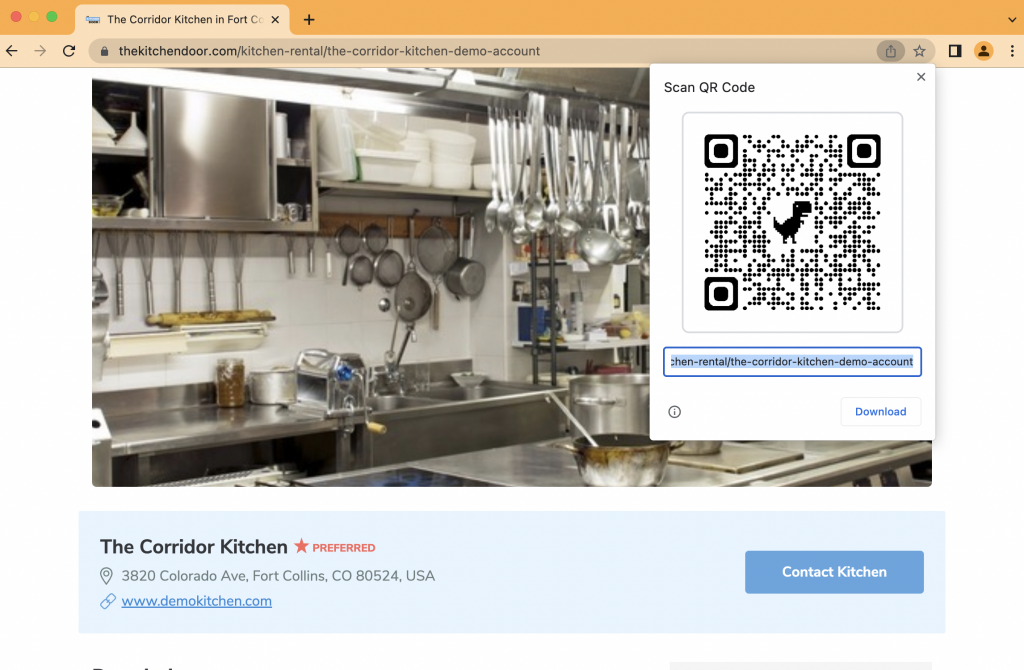
Step 4
Upload the QR code to your website.